

Most churches only think about their technology when something stops working — the stream freezes mid-service, the Wi-Fi drops during check-in, or a staff computer starts acting up on a Sunday morning. By then, the problem is already in front of the congregation.
There’s a better way to stay ahead of it. This checklist gives you seven specific signs that a church network needs attention and for each one, what it means and what to do about it.
Go through all seven. Count how many apply to your church. Then use the next-step section at the end to decide what to address first.
Sign 1 — Your Wi-Fi Slows Down When the Building Is Full
What you see: The network runs fine midweek with a handful of staff, but on Sunday morning — when the sanctuary is full, the stream is running, and dozens of phones connect at once — everything slows to a crawl.
What it means: Your wireless network was likely set up for light, everyday use rather than the heavy, concentrated demand of a full service. This is usually an access point placement and bandwidth allocation issue, not a matter of simply buying a faster internet plan.
What to do: Have your wireless coverage and capacity reviewed against your actual peak — a full building during your largest service. Proper access point placement and bandwidth planning for streaming and guest use typically resolve the slowdown. Take the Church IT Assessment — it asks about your peak Sunday demand and emails you a summary of where your network likely stands.
Sign 2 — Your Guest Wi-Fi and Staff Systems Share One Network
What you see: Visitors, staff computers, the giving platform, and member records all connect through the same open Wi-Fi. There’s one password, and everyone uses it.
What it means: When guest devices sit on the same network as sensitive staff systems, a problem on any one device has a path to the others. Network segmentation exists to separate them, and its absence is one of the more common risks we see in churches.
What to do: Separate guest access from staff systems so visitors get simple, reliable Wi-Fi while member data, giving platforms, and staff computers stay on a protected part of the network. It’s a straightforward change that quietly reduces risk every day. Take the Church IT Assessment to see whether your guest and staff access are properly separated.
Sign 3 — Everything Depends on One Volunteer
What you see: One tech-savvy volunteer keeps the Wi-Fi running, fixes the presentation system, and handles whatever breaks. When that person travels or is unavailable, problems wait until they return.
What it means: Relying on a single person is workable until it isn’t. It leaves your technology exposed whenever they’re out of the building, and it places a heavy, ongoing responsibility on one volunteer’s shoulders.
What to do: Church IT support isn’t meant to replace those helpers — it backs them up with proactive monitoring and a team to call when something needs more than a quick fix. Shared responsibility keeps your systems dependable even when your key volunteer isn’t there. Take the Church IT Assessment to gauge how much currently rests on one volunteer, and what backup support could look like.
Sign 4 — Your Network Equipment Is Disorganized or Unlabeled
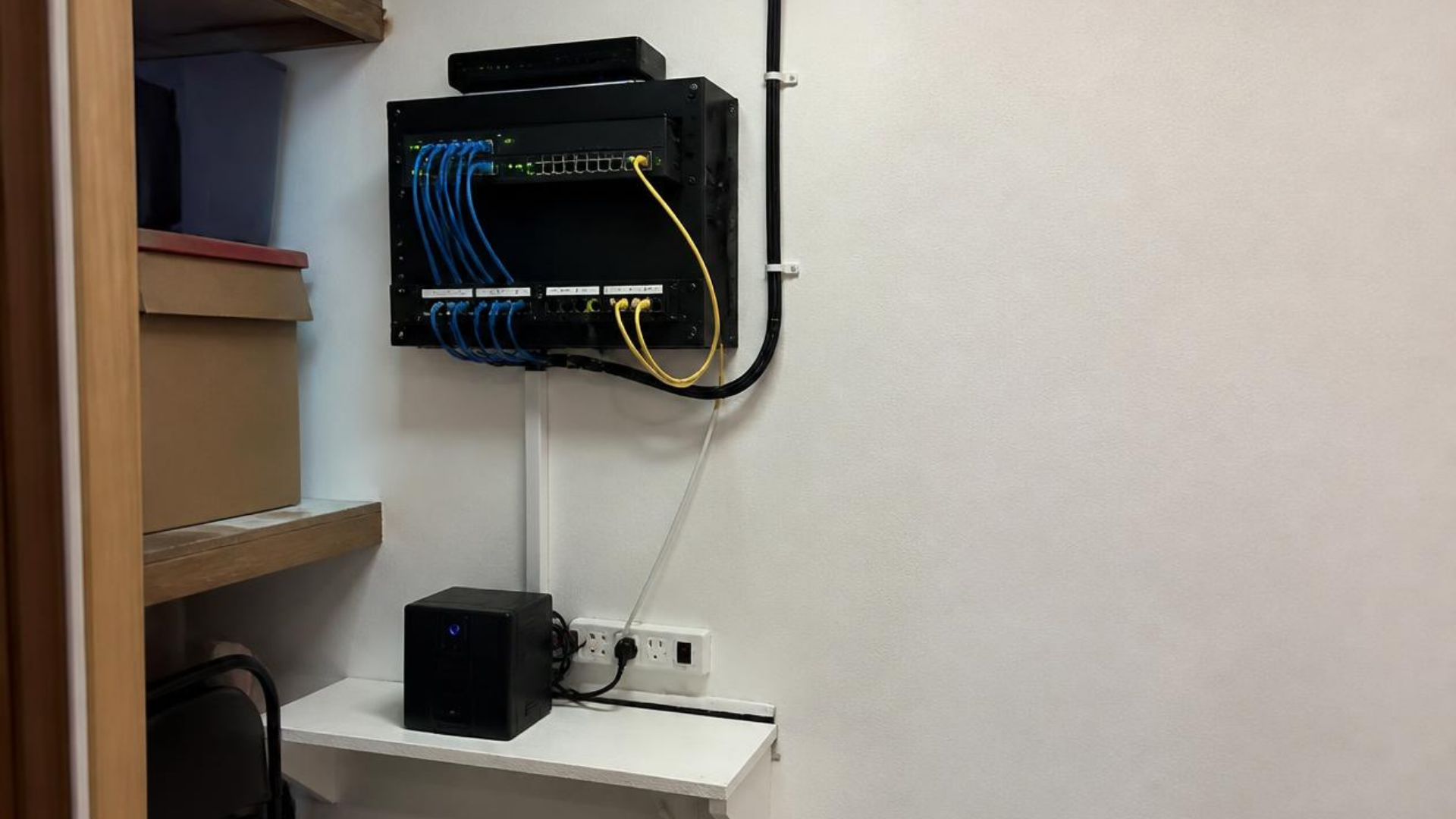
What you see: The equipment closet is a tangle of cables. Nothing is labeled. When something goes wrong, no one is sure which cable or device does what, and troubleshooting turns into guesswork.
What it means: Disorganized infrastructure makes every problem slower and harder to solve. Wi-Fi, streaming, phones, and security systems all run on the cabling and hardware underneath them, and when that foundation is messy, small issues take far longer to trace and fix.
What to do: Have your network infrastructure organized with structured cabling, clean equipment layouts, and clearly labeled hardware. A well-built foundation is easier to maintain and quieter than the problems it prevents. Take the Church IT Assessment for a read on the state of your cabling and equipment.
Sign 5 — No One Is Monitoring the Network Between Problems
What you see: Your technology only gets attention when something breaks. Nobody is watching it the rest of the time, so issues surface as emergencies rather than being caught early.
What it means: Reactive support means you’re always responding to problems after they’ve already disrupted a service or a workday. Proactive monitoring catches many issues — a failing device, a security gap, a network slowdown — before they reach the congregation.
What to do: Move from break-fix to ongoing monitoring and managed support, so small issues are addressed before they become disruptions. Dependable technology should feel predictable rather than stressful. Take the Church IT Assessment to see where proactive monitoring would catch issues before they reach a service.
Sign 6 — Your Backups and Security Basics Are Unclear
What you see: You’re not certain whether your member data and giving records are backed up, when they were last checked, or what would happen if a staff computer failed or a suspicious email got clicked.
What it means: Churches handle giving records, member details, and vendor payments every week, often over email and on shared devices. Without clear backups and basic security practices in place, that information carries more risk than it needs to — and the uncertainty itself is a sign worth addressing.
What to do: Put sensible safeguards in place: protected backups, staff email security, system updates, and clear guidelines for verifying payment or giving requests. The goal here isn’t worry — it’s preparation and good stewardship of the information your congregation trusts you with. Take the Church IT Assessment for a clear picture of where your backups and security basics stand.
Sign 7 — Your Technology Can’t Keep Up With Your Growth
What you see: The church has added a service, a campus, or new ministries, but the network is the same one you set up years ago. More devices, more data, and more people are depending on infrastructure that was never sized for this.
What it means: Technology that fit a smaller congregation quietly falls behind as a church grows. What worked at one size starts creaking at the next, and the strain shows up as slowdowns, dropped connections, and equipment that’s harder to support.
What to do: Have your network reviewed against where your ministry is headed, not just where it’s been. Managed IT support and wireless design that scale with growth keep your technology stable as more people rely on it. Take the Church IT Assessment to plan for where your ministry is headed.
How Many Signs Apply to Your Church?
One or two signs: Your technology is in reasonable shape. A few focused fixes will keep small issues from becoming bigger ones.
Three or four signs: Your network is likely showing strain in places. Addressing these over the next month or two will make a noticeable difference in reliability.
Five or more signs: Your technology is probably due for real attention. The encouraging part is that every sign on this list is fixable, and most churches see meaningful improvement once the basics are handled in the right order.
Where to Start
Some of these signs are quick wins, and some take a little planning. If Sign 2 (guest and staff networks sharing one connection) or Sign 6 (unclear backups and security) applies, address those first — they protect sensitive information and don’t take long to put right. Then move to reliability items like Signs 1 and 5, and finally to the foundational work in Signs 4 and 7 that keeps your network stable as you grow.
How Infinity Helps
At Infinity Technology Consulting, a review like this is how we start with a new church. We look at your network, identify which signs apply, and lay out a clear, prioritized plan for your specific building and congregation — no jargon, no pressure, and no work you don’t need.
We serve Atlanta-area churches as a long-term IT partner, with managed IT support, secure wireless networking, network infrastructure, cybersecurity, and ongoing monitoring built around how ministries actually operate. 🏛️
📩 Take the Church IT Assessment
Answer a few questions about your church’s technology and readiness, and we’ll email you a personalized summary — showing which of these signs apply, what’s likely causing them, and where to start. You’ll come away knowing exactly where things stand, with no strings attached.