

When we suggest a church IT assessment, the most common response is a fair one: “What does that actually involve?”
It’s an understandable question. For a lot of church leaders, “assessment” sounds like it might mean a long, technical process or a sales pitch in disguise. It’s neither. An assessment is simply a structured look at your technology so you know what’s working, what needs attention, and what it would take to fix.
This guide walks through exactly what a church IT assessment covers, what happens at each stage, and what you come away with so you know what to expect before you ever pick up the phone.
Why an Assessment Comes First
Good technology decisions start with an accurate picture of where you are. Without one, churches tend to either overspend on equipment they don’t need or patch the same recurring problem again and again without addressing what’s causing it.
An assessment replaces guesswork with clarity. It’s the difference between reacting to whatever breaks next and making calm, informed decisions about your network — decisions that fit both your ministry and your budget. For leaders responsible for the wise use of every dollar, that clarity is part of good stewardship.
Step 1 — Understanding Your Ministry and How You Operate
Before looking at a single piece of equipment, we start with your church. How large is your congregation? How many services do you run, and when is the building at its busiest? What relies on the network — streaming, presentation systems, check-in, phones, the office, guest Wi-Fi?
What this tells us: Technology only matters in the context of how a church actually uses it. A network that’s fine for a small midweek gathering may struggle under a full Sunday service. Understanding how you operate lets us evaluate your technology against your real demands, not a generic standard.
What you’re involved in: A straightforward conversation about your ministry, your current frustrations, and where you’d like things to be. No technical knowledge required on your end.
Step 2 — Reviewing Your Wireless Coverage and Capacity
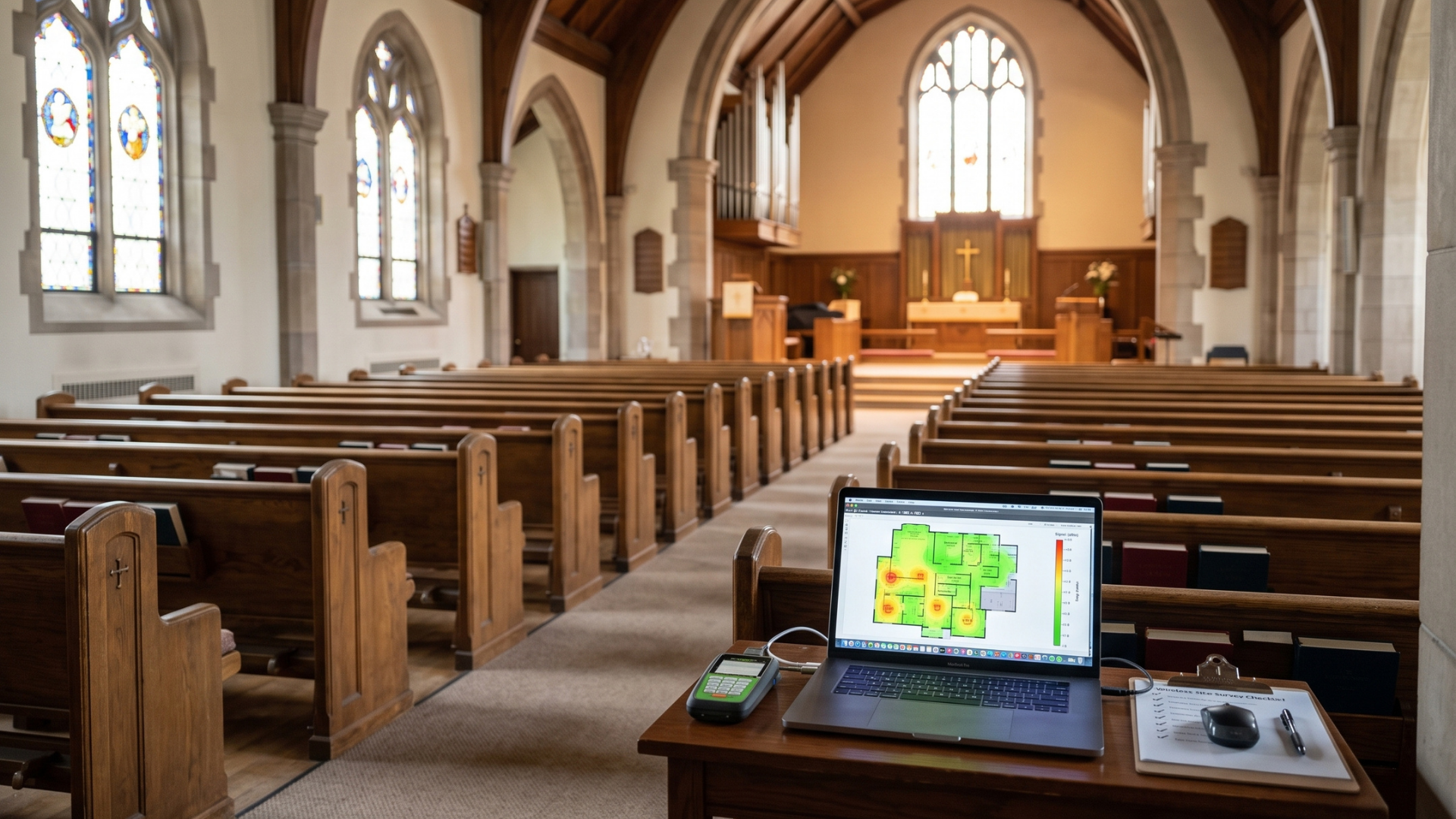
Next, we look at your wireless network — how well it covers your building and how it holds up when demand is high.
What this covers: Coverage across your sanctuary, offices, and common areas; access point placement; bandwidth capacity for streaming and guest use; and how the network performs when the building is full rather than empty.
What it tells you: Whether your Wi-Fi can handle your largest service, where the dead zones and bottlenecks are, and what it would take to keep the connection steady when it matters most. This part of the review is often called a Wireless Readiness Review, and for many churches it’s the single most valuable piece of the assessment.
Step 3 — Examining Your Network Infrastructure
From there, we look at the foundation everything runs on — the cabling, switches, and equipment behind the walls and in the closet.
What this covers: The condition and organization of your cabling, how your network hardware is laid out, whether equipment is labeled and maintainable, and whether the foundation is sized for your current and future needs.
What it tells you: Whether your infrastructure is helping or quietly holding you back. Disorganized or aging infrastructure makes every future problem slower to solve, so understanding its condition now saves time and cost later.
Step 4 — Reviewing Security and Data Protection
We then review the practical safeguards around your sensitive information — the giving records, member details, and staff systems your church handles every week.
What this covers: Whether your guest and staff networks are properly separated, the state of your backups, staff email security, system updates, and the everyday practices that protect sensitive data.
What it tells you: Where your information is well protected and where a few sensible, low-effort safeguards would reduce risk. This is a calm, practical review — not a fear pitch. The aim is preparation and stewardship of what your congregation trusts you with, handled without technical overwhelm.
Step 5 — Your Findings and a Prioritized Plan
Finally, we bring everything together into a clear summary you can actually use.
What you receive: A plain-language picture of what’s working, what needs attention, and what we’d recommend addressing first. Quick wins are separated from larger projects, so you can see what takes ten minutes and what takes planning.
What makes it useful: The plan is prioritized and specific to your church. You’re never handed a generic list or pressured toward work you don’t need. You come away able to make informed decisions at your own pace — whether that’s this quarter or next year.
What an Assessment Is Not
It helps to be clear about this. A church IT assessment is not a sales presentation, and it doesn’t obligate you to anything. It’s not a technical lecture full of jargon you’ll need to decode later. And it’s not a one-size-fits-all checklist applied the same way to every building.
It’s a genuine look at your technology, explained in terms that make sense, so church leaders can make good decisions with confidence.
How Long It Takes and What Happens After
The on-site portion of an assessment is usually straightforward and doesn’t disrupt your operations. Afterward, you’ll receive your findings and prioritized recommendations.
From there, the pace is entirely yours. Some churches address a quick win or two right away — separating guest Wi-Fi, updating backups and plan larger work for later. Others move ahead with ongoing managed support so their network is monitored and maintained going forward. Either way, you leave with clarity you didn’t have before, and no pressure about what to do with it.
Who an Assessment Is For
An assessment is worth the time if your church is growing, planning a technology upgrade, preparing a building change, or simply tired of recurring issues. It’s equally worthwhile if things seem fine but no one has genuinely reviewed the network in years — that’s often when quiet risks and easy improvements come to light.
If your congregation depends on technology to gather, give, and stay connected, understanding the state of that technology is time well spent.
How Infinity Helps
At Infinity Technology Consulting, the assessment is how we begin with every church we serve. We take the time to understand your ministry, review your network honestly, and hand you a clear, prioritized plan built for your specific building and congregation.
We work with Atlanta-area churches as a long-term IT partner — managed IT support, secure wireless networking, network infrastructure, cybersecurity, and ongoing monitoring, all delivered with the calm, accountable approach church leadership deserves. 📶
📩 Take the Church IT Assessment
Answer a few questions about your church’s technology and readiness, and we’ll email you a personalized summary of where you stand and what to prioritize. There’s no commitment involved — just a clear read on your technology.