
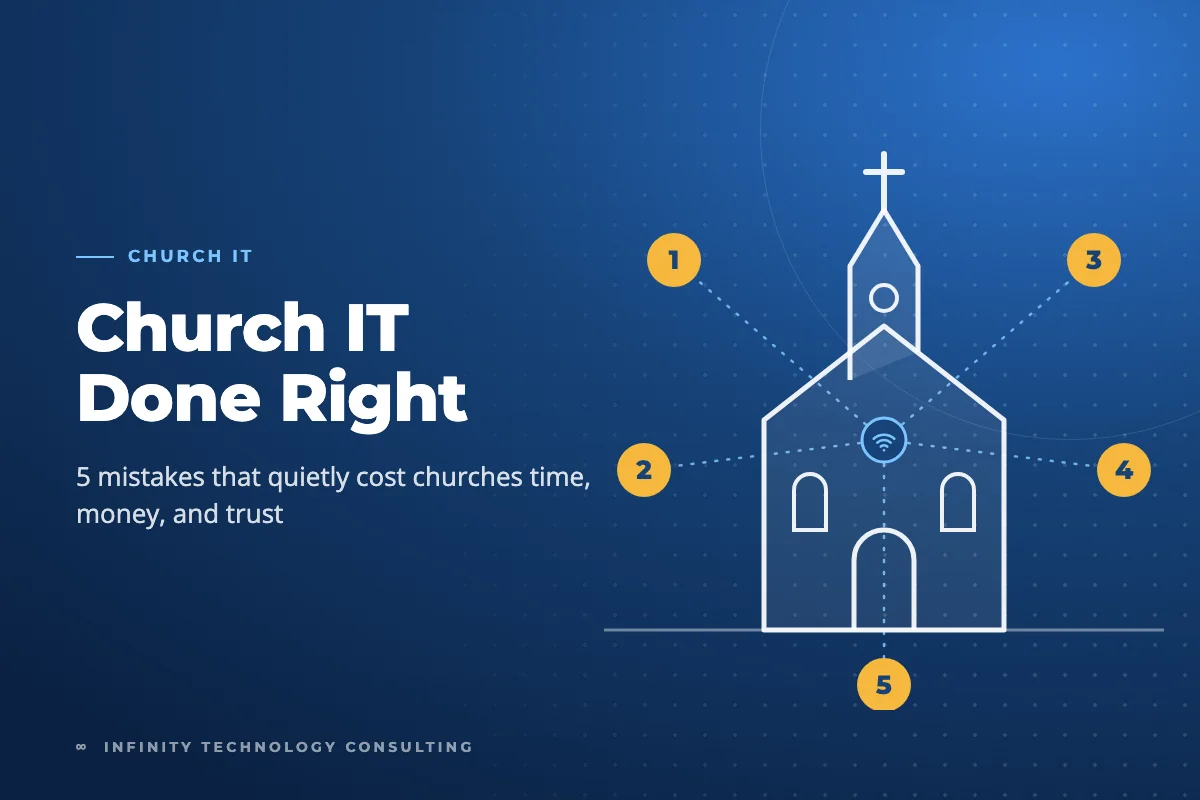
Most church technology problems don’t announce themselves. They build quietly in the background until a stream freezes during a packed service, a computer fails with no backup, or a small issue that could have been caught early turns into an expensive emergency.
The good news is that the most common mistakes are also the most fixable. This guide walks through five that we see often in churches — what each one costs, and the simple, better approach that replaces it.
You don’t need to fix all five at once. Read through, notice which ones sound familiar, and start where it makes the most sense for your church.
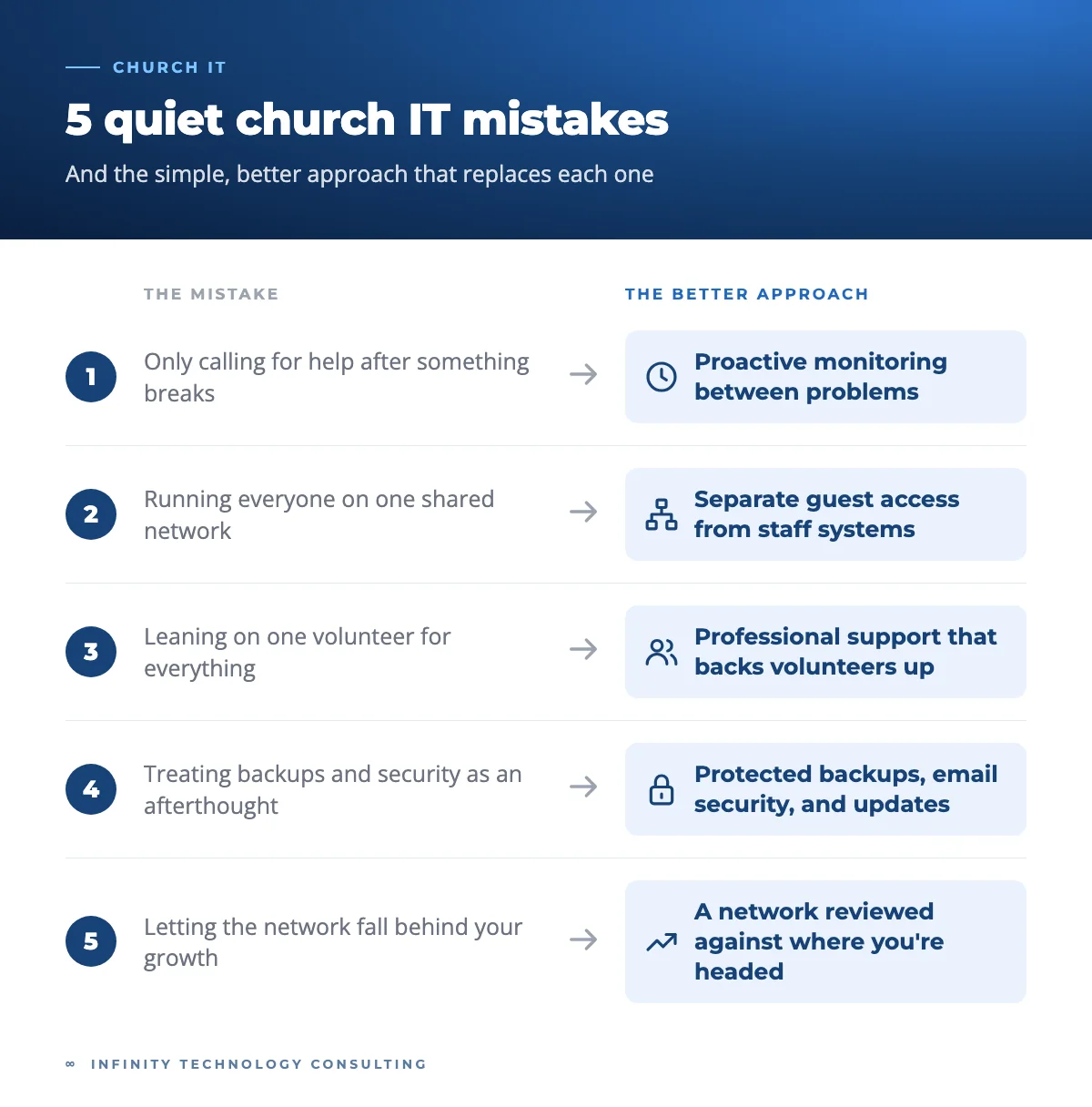
Mistake 1 — Only Calling for Help After Something Breaks
The cost: When technology only gets attention once it fails, every problem becomes an emergency. A failing device, a security gap, or a slow network isn’t noticed until it disrupts a service or a workday — usually at the worst possible moment, and often at a higher repair cost than if it had been caught early.
The better approach: Proactive monitoring watches your systems between problems, not just during them. Small issues get flagged and handled before they reach the congregation, which turns unpredictable emergencies into quiet, routine maintenance. Dependable technology should feel steady, not stressful.
Mistake 2 — Running Everyone on One Shared Network
The cost: When guests, staff computers, the giving platform, and member records all share the same open Wi-Fi, a problem on any single device has a path to the others. It’s one of the more common risks we see, and it quietly puts sensitive information closer to trouble than it needs to be.
The better approach: Separate guest access from staff systems. Visitors get simple, reliable Wi-Fi, while member data, giving platforms, and staff computers sit on a protected part of the network. It’s a straightforward change that reduces risk every day without making anything harder to use.
Mistake 3 — Leaning on One Volunteer for Everything
The cost: Many churches depend on a single tech-savvy volunteer to keep the Wi-Fi running and fix whatever breaks. It works until that person is traveling, busy, or moves on — and then problems wait, and a heavy responsibility rests on one person’s shoulders.
The better approach: Professional support isn’t meant to replace those helpers. It backs them up with monitoring and a team to call when something needs more than a quick fix, so your systems stay dependable even when your key volunteer isn’t in the building. Shared responsibility protects both the church and the volunteer.
Mistake 4 — Treating Backups and Security as an Afterthought
The cost: Churches handle giving records, member details, and vendor payments every week, often over email and on shared devices. When no one is certain whether that data is backed up or protected, a single failed computer or clicked link can turn into a lasting loss — and the uncertainty itself is a quiet, ongoing risk.
The better approach: Put sensible safeguards in place — protected backups, staff email security, system updates, and clear guidelines for verifying payment or giving requests. None of it is dramatic, and that’s the point. Small, steady protection is good stewardship of the information your congregation trusts you with.
Mistake 5 — Letting the Network Fall Behind Your Growth
The cost: A church adds a service, a campus, or new ministries, but the network stays the same one set up years ago. More devices, more data, and more people lean on infrastructure that was never sized for this — and the strain shows up as slowdowns, dropped connections, and equipment that’s harder to support.
The better approach: Review your network against where your ministry is headed, not just where it’s been. Managed IT support and wireless design that scale with growth keep your technology stable as more people depend on it, so success doesn’t quietly outrun your systems.
The Pattern Behind All Five
Notice what these mistakes have in common: each one is easy to overlook because nothing is visibly wrong today. The cost builds slowly and shows up all at once, usually at an inconvenient moment.
That’s exactly why a periodic review is worth the time. Seeing these issues clearly, before they surface on a Sunday morning, is what turns church technology from a source of surprises into something dependable you can plan around.
How Infinity Helps
At Infinity Technology Consulting, catching these quiet issues early is a large part of what we do. We look at your network, point out which of these mistakes apply, and lay out a clear, prioritized plan for your specific building and congregation — no jargon, no pressure, and no work you don’t need.
We serve Atlanta-area churches as a long-term IT partner, with managed IT support, secure wireless networking, network infrastructure, cybersecurity, and ongoing monitoring built around how ministries actually operate. 🏛️
📩 Take the Church IT Assessment
Answer a few questions about your church’s technology and readiness, and we’ll email you a personalized summary — showing which of these mistakes apply, what they’re likely costing you, and where to start. You’ll come away knowing exactly where things stand, with no strings attached.